HomeDashboards → RFM analysis
Achilles dashboard · Customers

RFM analysis: who your best clients are

Splits the client base by recency of purchase (Recency), frequency (Frequency) and amount (Monetary): who is active, who is leaving, who is VIP — and whom to reactivate.

CRM data every 30 minutes · Works with Kommo, HubSpot and Bitrix24 · Configured to your structure
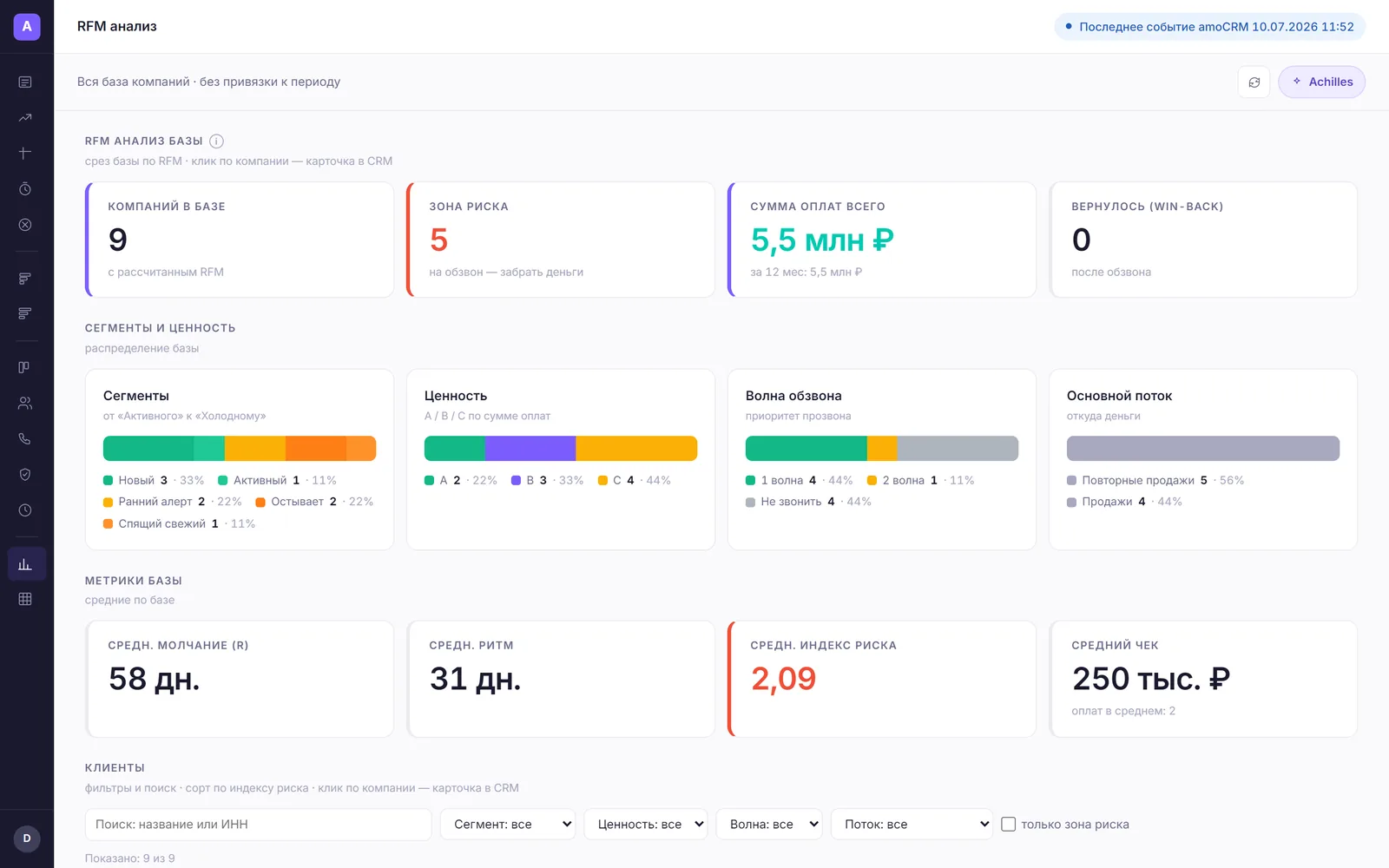
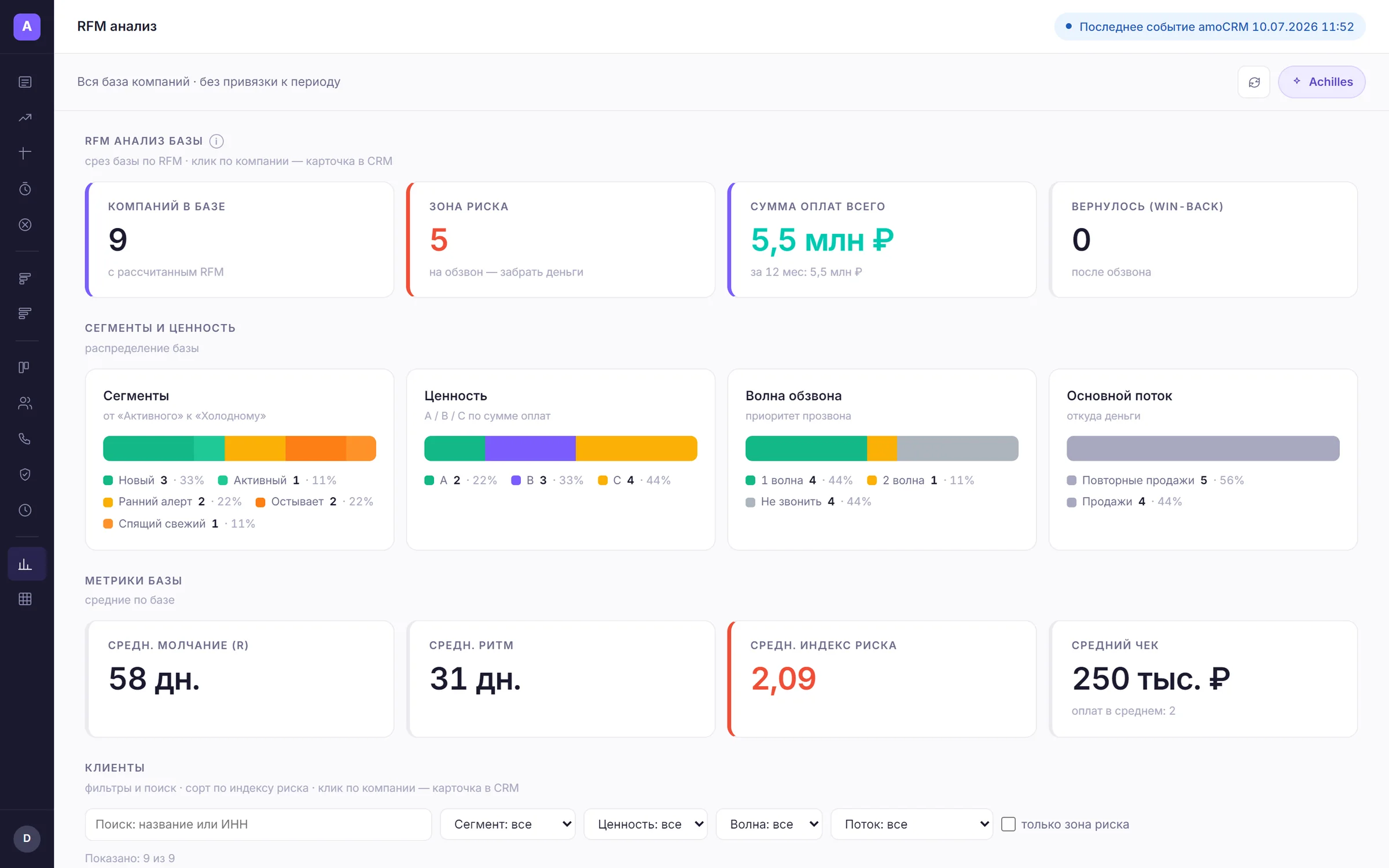
“RFM analysis” dashboard: client segments and their revenue

How it works

30-minute setup — then it runs itself

01
30-minute setup
Via your CRM’s official API, no rebuild. Time zone and fields are detected automatically; a specialist sets up the dashboards.
02
Refresh every 30 minutes
Fresh deals and calls in the dashboard every 30 minutes — no exports, no Excel.
03
The AI agent Achilles analyzes
Highlights anomalies and writes insights in words: alerts, warnings, wins.
04
You make decisions
10 minutes in the morning instead of three hours with spreadsheets on Friday.

Features

What the owner and marketing see

RFM segments
Champions, loyal, new, sleeping, churn and more — in clear groups.
Two calculation models
Read ready CRM fields or compute from payment history.
Segment size and revenue
Where the base’s main value sits.
Configurable thresholds
R / F / M bounds to your purchase cycle — retail and B2B differ.
Client lists
Clients in a segment with a jump into the CRM for mailing or calling.
Share of the money
Which part of clients brings most of the revenue.

Interface

This is how it looks in Achilles

Manager takeaway
“200 sleeping clients worth 4M in past revenue — we launch reactivation”

FAQ

Frequently asked questions

What is RFM?
Three axes: Recency (how recent the purchase), Frequency and Monetary (amount). The base is split into clear segments — from champions to churn.
Where do amounts and dates come from?
From payment history in the CRM or from ready fields — both models are available.
Can thresholds be tuned to us?
Yes, the R/F/M bounds are configured to your purchase cycle.

Try it on your data

7 days free — no card

30-minute setup. Request a demo — we will show Achilles on your numbers.

Get a demo on your data → Sign up yourself